

Free Android app for pedestrians
Be seen at night.
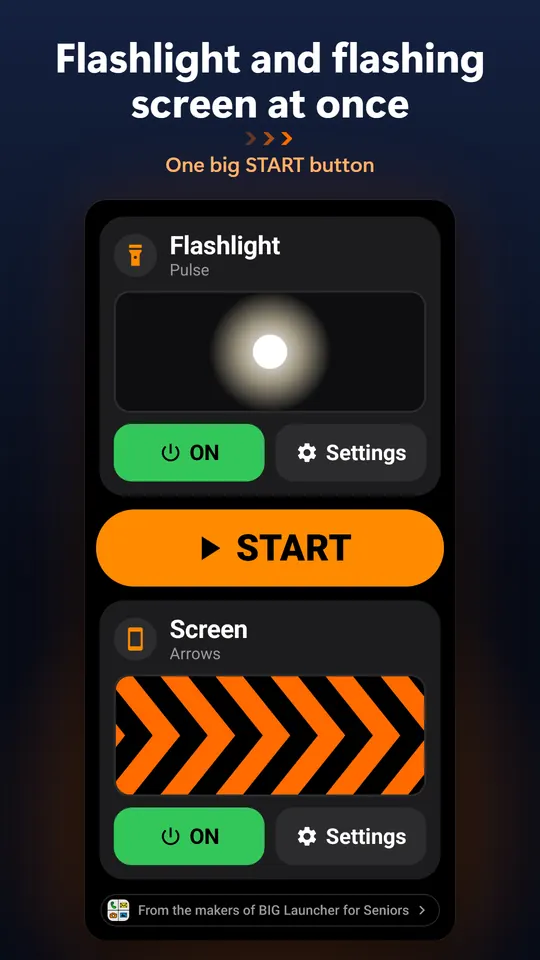
Blinker uses both sides of your phone. The flashlight lights the way ahead, and the screen flashes a bright color or moving arrows at the cars behind you.
Free · No ads · No data collected · Android 6.0+
- 2lights at once
- 8flashlight rhythms
- 12screen modes
- 21languages

How it works
One phone, two lights
Hold the phone at your side with the screen facing the traffic behind you.
-
Flashlight forward
The LED on the back lights the road in front of you – steady, pulsing or blinking.
-
Screen backward
The display shines at the cars behind you at full brightness: a strong color, flashing, or a moving pattern.
-
Press START and go
While the light is on, the screen ignores touches, so a stray tap changes nothing. To stop, press Back twice or Home.
Patterns
Try the patterns
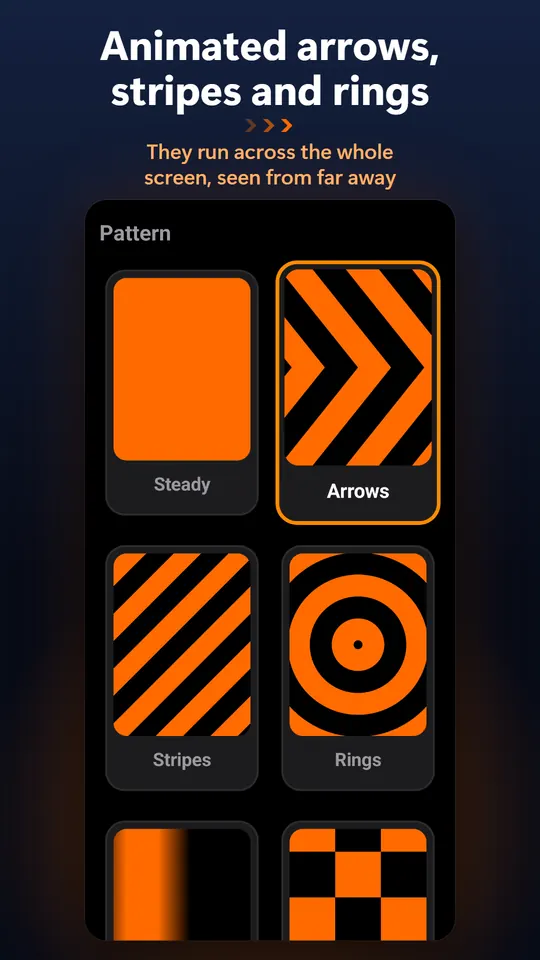
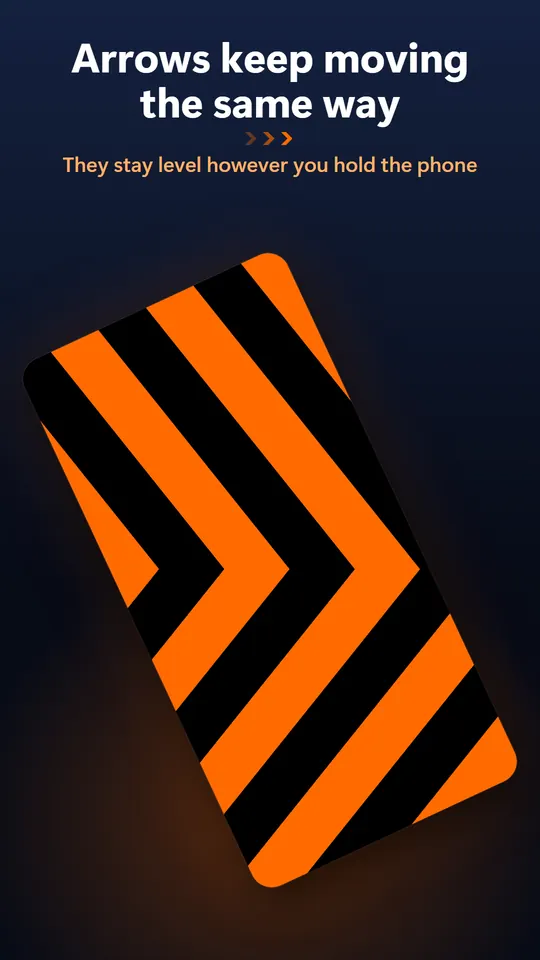
Arrows like the chevron signs on sharp bends, hazard stripes, rings and more: big shapes a driver can make out from far away. Tilt the phone in the preview and the motion stays level with the ground.
The app also has fast and random flashing, and any color you pick on the color wheel.
Features
What's in the app
-
Always level
The motion sensor keeps the animation level with the ground – in your left hand, right hand, even upside down – and it keeps moving the way you chose.
-
8 flashlight rhythms
Steady, pulse, slow and fast blink, double and triple flash, beacon or random.
-
12 screen modes
Six animations, a steady color and five flashing rhythms, each with a live preview.
-
Any color, full brightness
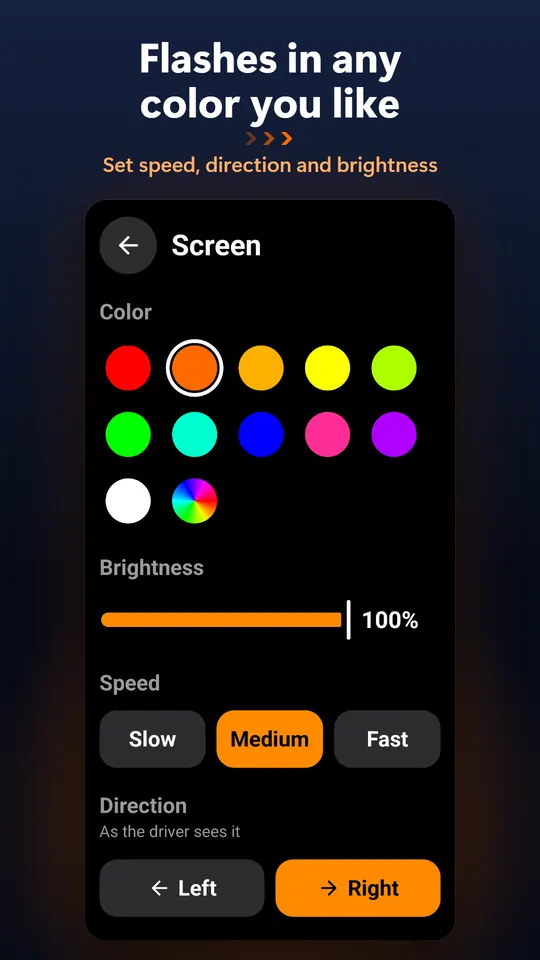
Red, orange, amber, yellow, green, blue and more, or your own from the color wheel. The screen stays on at the brightness you set.
-
No accidental taps
Touches are ignored while the light runs. The power button pauses it; press it again to carry on without unlocking.
-
Big, simple controls
One screen, big tiles with live previews and a single START button. The app remembers your last settings.
-
Works with TalkBack
The whole app can also be controlled with a D-pad or hardware keys.
-
No ads, no tracking
No account and no internet access. The camera flash is used only as a light; the camera never opens.
Useful for
- Night walks on roads without sidewalks
- Walking the dog
- Running
- Hiking back after dark
- An extra light on the bike
- Waiting by a broken-down car
- Kids walking home in winter
Video
Blinker in 35 seconds
Screens from the app
FAQ
Questions
Is Blinker really free?
Yes. No ads, no in-app purchases and no account.
What permissions does it need?
Only vibration, for a short buzz when you press Back. The camera flash is switched on as a light without any camera permission, and the app has no internet access.
How do I stop the light?
Press Back twice or press Home. The power button only pauses the light – press it again and it carries on, without unlocking the phone.
What if my phone has no flashlight?
The screen light works on every phone; the flashlight part needs a camera flash.
Does it drain the battery?
The flashlight and a screen at full brightness use more power than usual. To make the battery last longer, lower the brightness or switch off one of the lights.
Is there an iPhone version?
No, Blinker is for Android phones with Android 6.0 or newer.

Blinker is free on Google Play
No ads and no sign-up. For Android 6.0 and newer.
Get it on Google Play