Show her where to tap, or tap for her
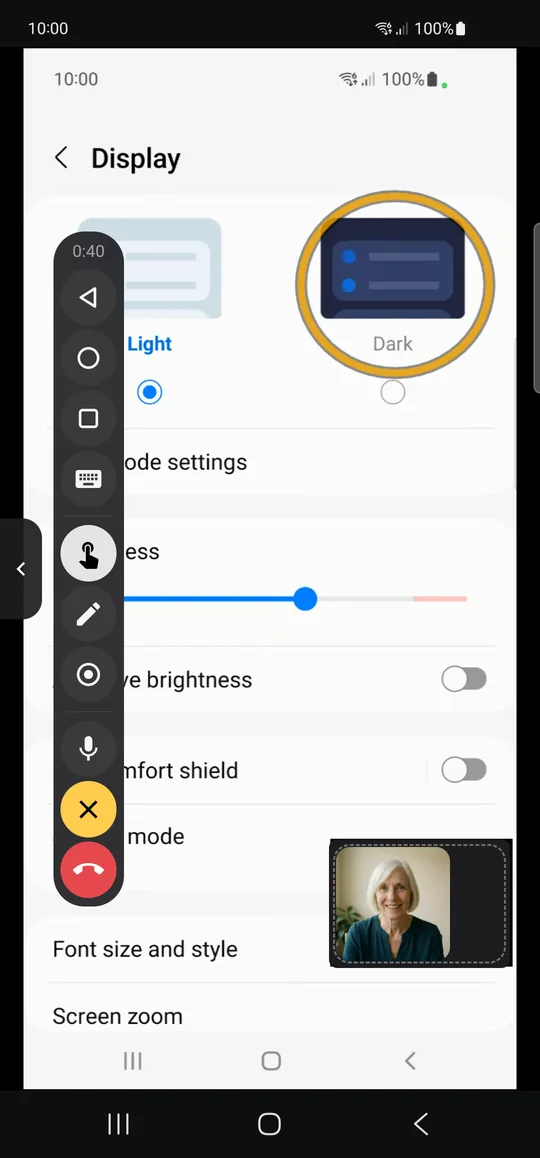
You see her screen live while you talk. Point, draw a circle, type, or press Back and Home on her phone. Her own touch always comes first.
 BIG Remote Help
Android app for seniors and their families
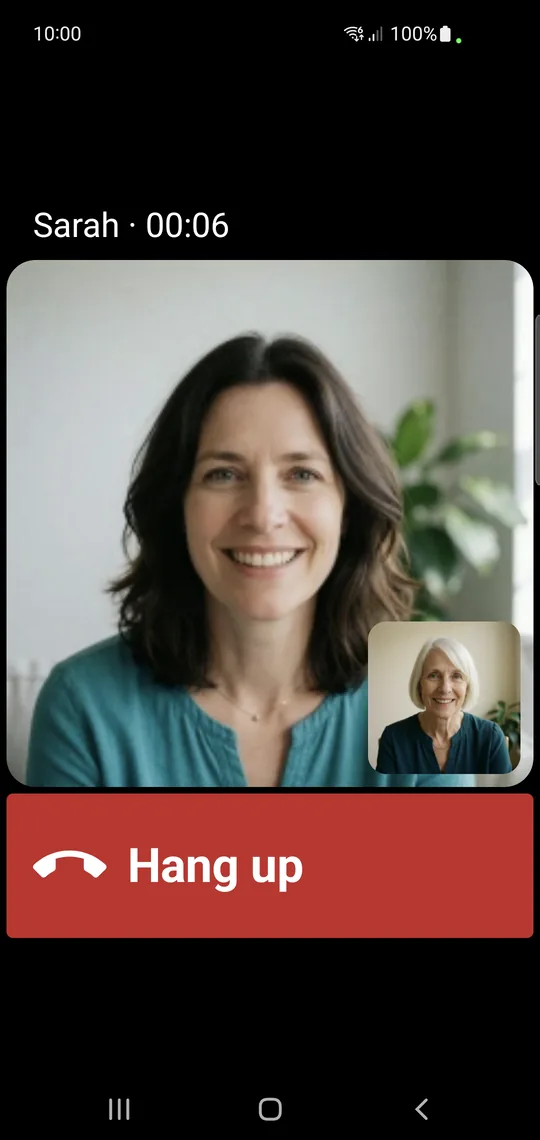
One tap starts a video call. When her phone gets confusing, you see her screen, show her where to tap, or tap for her. Only when she says OK.
Free plan · No ads · Android 8.0 or newer

Install BIG Remote Help on her phone and on yours, then scan the QR code on her phone. For her safety, the first pairing can’t be done remotely. It’s a good excuse to visit.
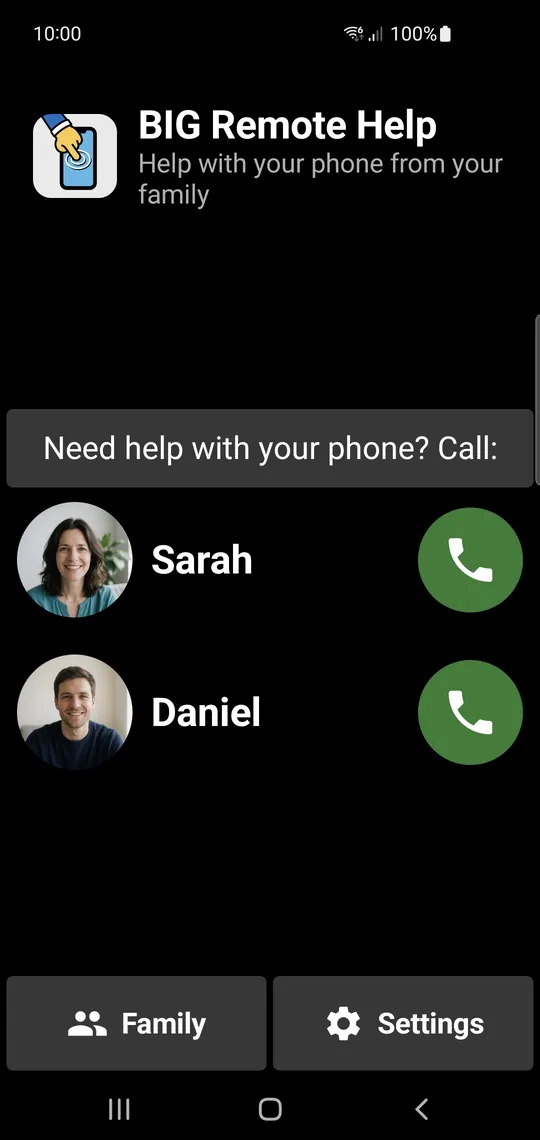
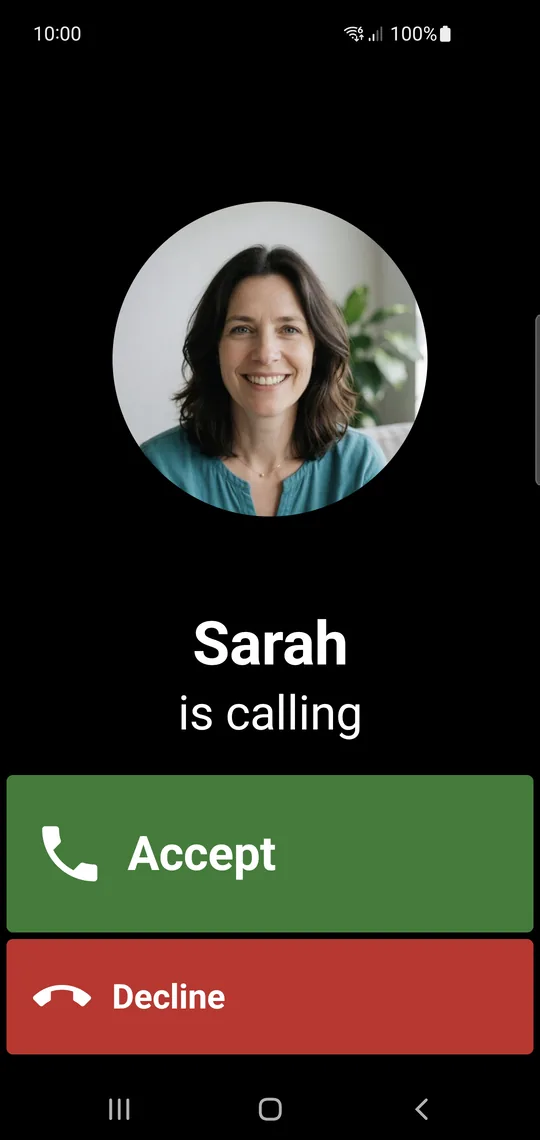
Your photo and name are big buttons on her phone. Your call rings like a normal phone call, even when her phone is locked.
She taps Allow and you see her screen. Point, draw a circle, or tap, scroll and type for her. One big button ends the help.
You see her screen live while you talk. Point, draw a circle, type, or press Back and Home on her phone. Her own touch always comes first.
Your photos and names on big buttons, nothing to learn. Your call fills her screen, even when the phone is locked. If nobody answers, the app offers her a normal phone call or a text message.
Help from the Android app or from a web browser on your computer. When Mum calls, all your devices ring.
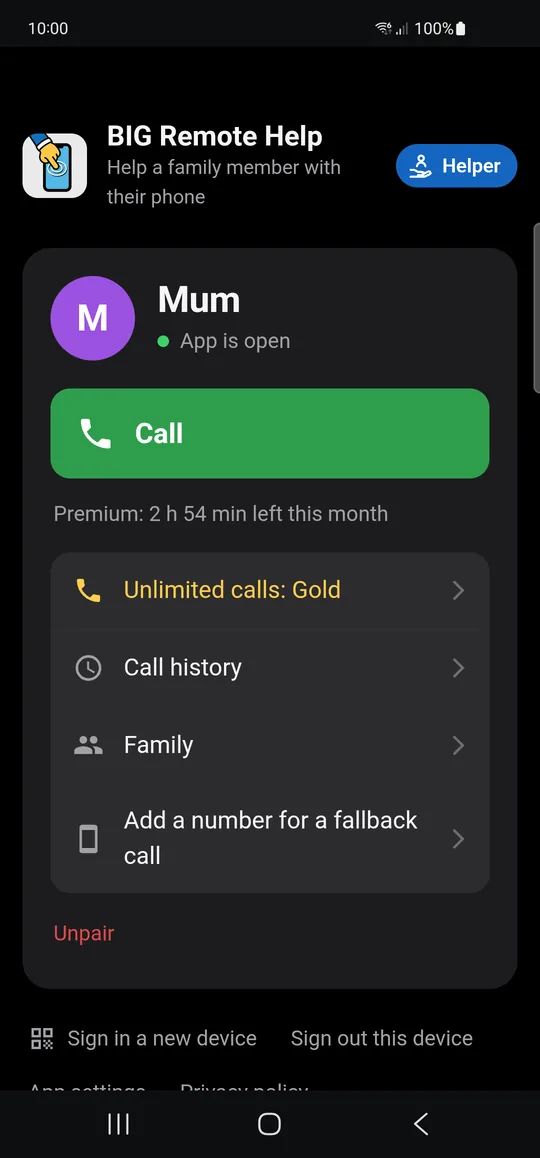
Remote help is powerful, so Mum stays in charge of it.
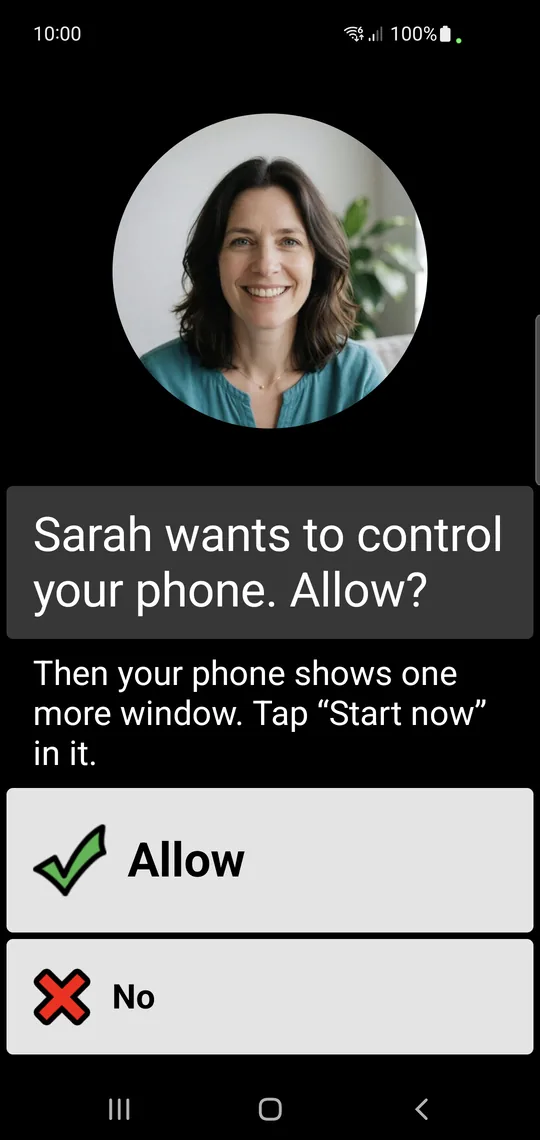
She allows each help session, and her touch always wins. One big button ends it.
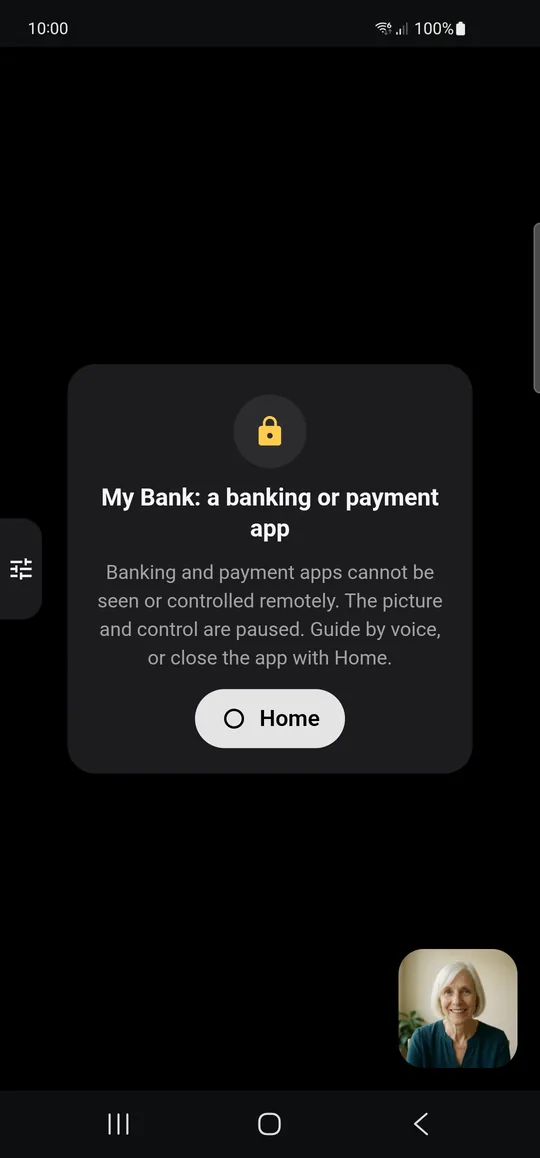
When a recognised banking or payment app opens, the picture and control pause by themselves.
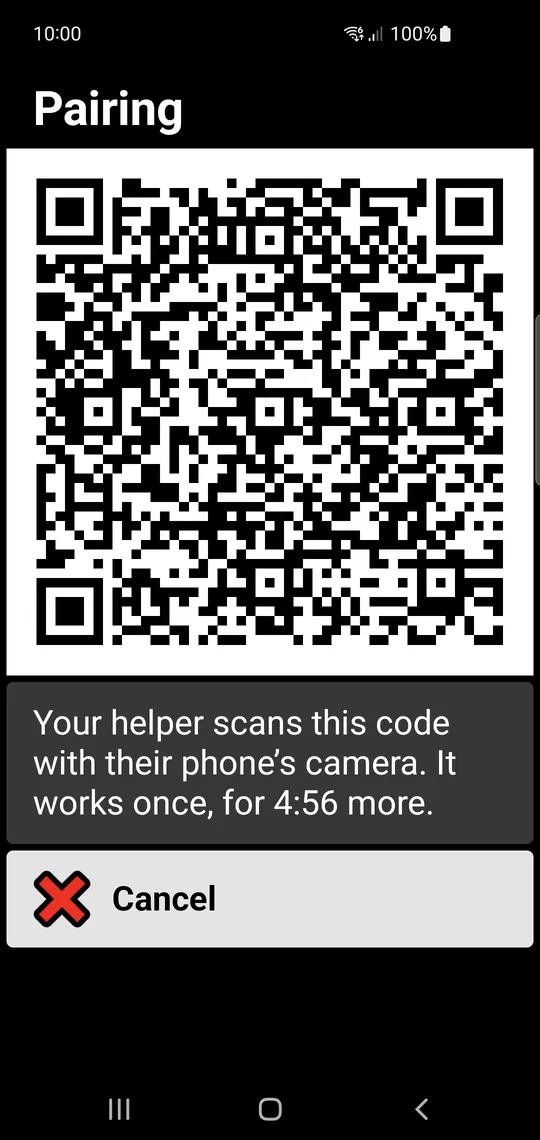
The first pairing is done face to face, with Mum’s approval. No sign-up, no passwords, no codes to read out.
Buy or restore the Suite in BIG Launcher.
A family member can buy Gold for Mum.
With Premium and Gold, invite more family members with a link. Mum confirms each of them on her phone.
Yes. For the first setup, both phones must be in the same place: you scan the QR code on her phone. That way no stranger can pair with her phone from afar. After that, you can help from anywhere.
Tap your photo to call you, tap Accept when you call, and tap Allow when you want to help. A simple setup guide takes about 3 minutes, best with you next to her.
Yes. Once you have paired with Mum, open remote.biglauncher.com on your computer. You have two ways to sign in:
From then on, the computer rings too when Mum calls.
BIG Remote Help works on Android 8.0 and newer, both on Mum’s phone and on yours.
No. BIG Remote Help works on its own. BIG Apps Suite PREMIUM is optional and includes the Premium plan.
Yes. Both devices need Wi-Fi or mobile data for video calls and screen sharing.
No. Calls and the screen travel encrypted directly between the phones and are never stored. Recognised banking and payment apps stay hidden; you see a notice instead.
One on the free plan. With Premium or Gold, the whole family: invite them with a link and Mum confirms them.
The app offers her a normal phone call or a text message instead.

Free plan, no ads. For Android 8.0 and newer.
Get it on Google Play BIG LauncherA simple home screen for seniors
 BIG PhoneEasy calling and contacts
 BIG SMSLarge-text SMS messaging
 BIG NotificationsEnlarged full-screen notifications
Google Play and Android are trademarks of Google LLC.
Popular